
React Native layouts
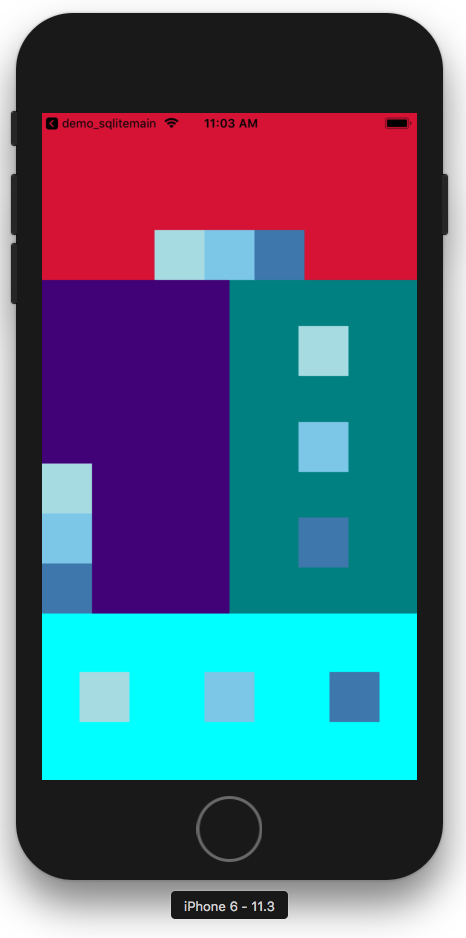
Layouts in React Native follows flex box property. There are attributes such as flex, flexDirection, justifyContent, alignItems, etc which allows to design required layout. Below example illustrates different types of layouts which you can use in your application as per requirements.

Simple Tasks Management app using SQLite
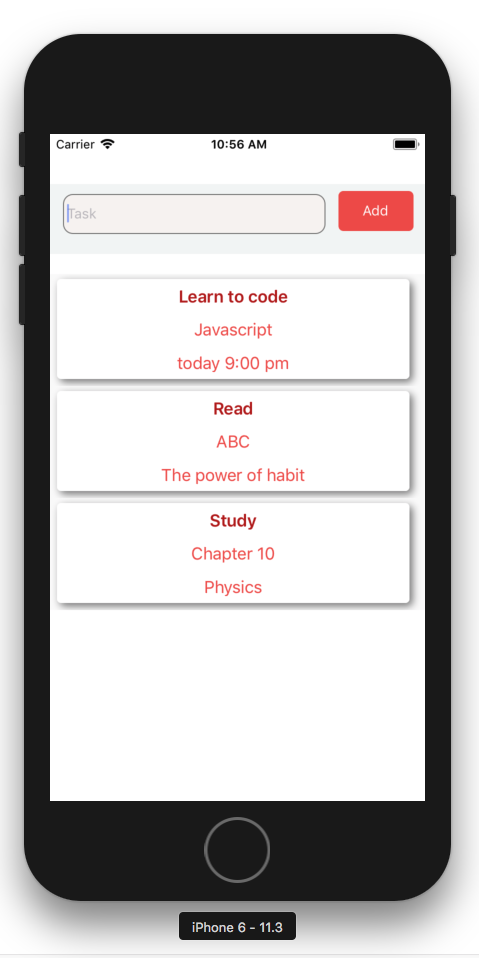
React Native doesn’t ship with inbuilt plugin for SQLite so we will be using a npm package called react-native-sqlite-storage which allowed us to store app data in phone storage using SQL database. All the SQL operations now can be executed on app data. The main feature of this demo project is to manage user notes. User can add, delete, view and edit notes. The following image on left displays all the user notes in a list format. User can add a new note by press on “Add” button and is navigated on a new screen where user adds all the necessary info of the notes.
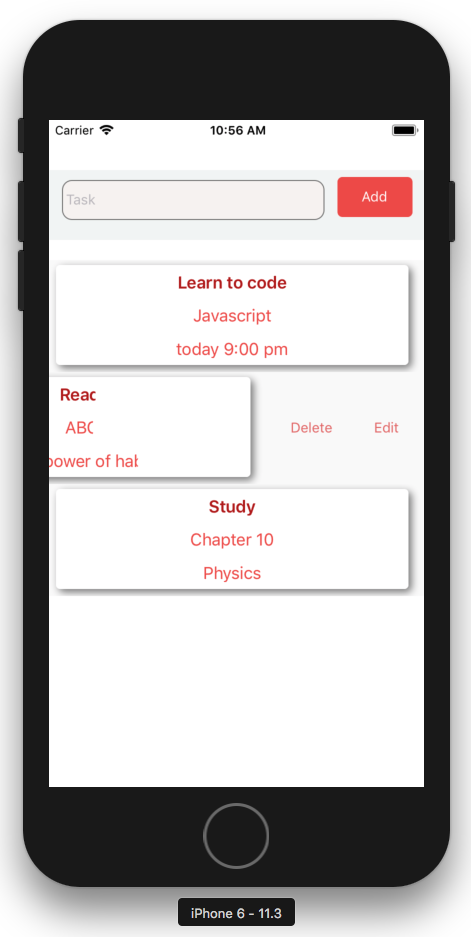
On swipe-left every list item open-ups option to delete and edit that note (image on right). When press “Edit” user is navigated to a form where he can edit all the information previously stored by him.

Weather Application
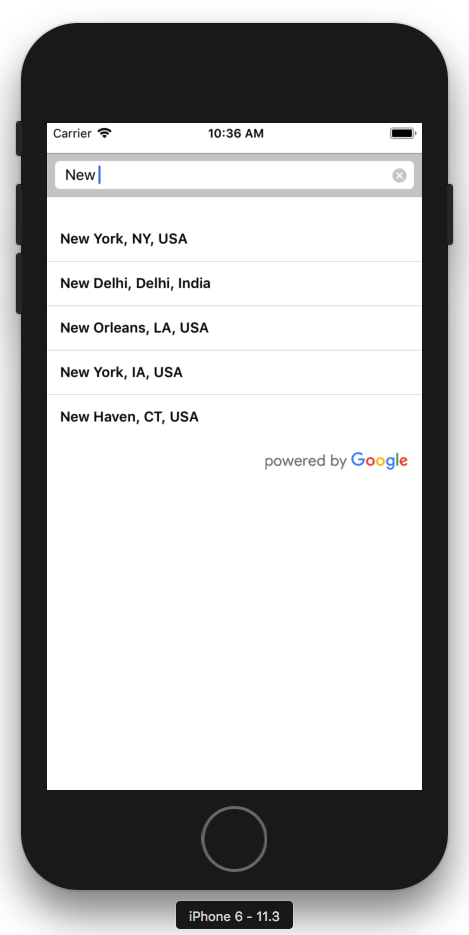
The app allows user to get the weather information for any city searched by him. The main goal of this demo app is to get yourself familiar with the networking functionality of React Native and learn how http/https protocols works with it. I have used here Apixu weather api to get weather data in json object in real-time. I have also used npm package GooglePlacesAutocomplete to search world cities by name.

Activity Recognition in React Native
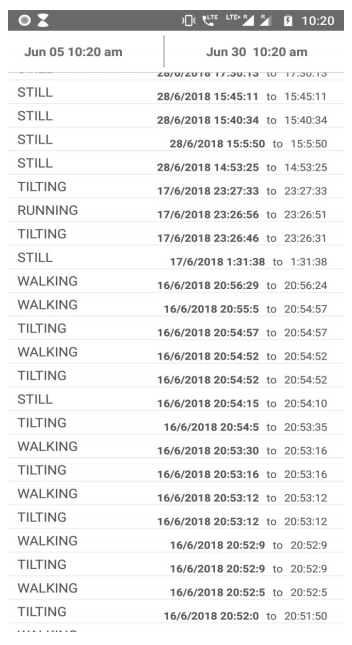
The main aim for developing this demo is to make you familiar how you can track user activities such and running, walking, in vehicle, on foot, still, etc. Following image shows the list all user activities with corresponding start and end time. SQLite database is used to store activity data with timestamp, Also time filter is added to filter activities based on timestamp. App was tested on physical android devices (Oreo 8 and Nougat 7.1).
 PAWAN PRAJAPATI
Leave a comment